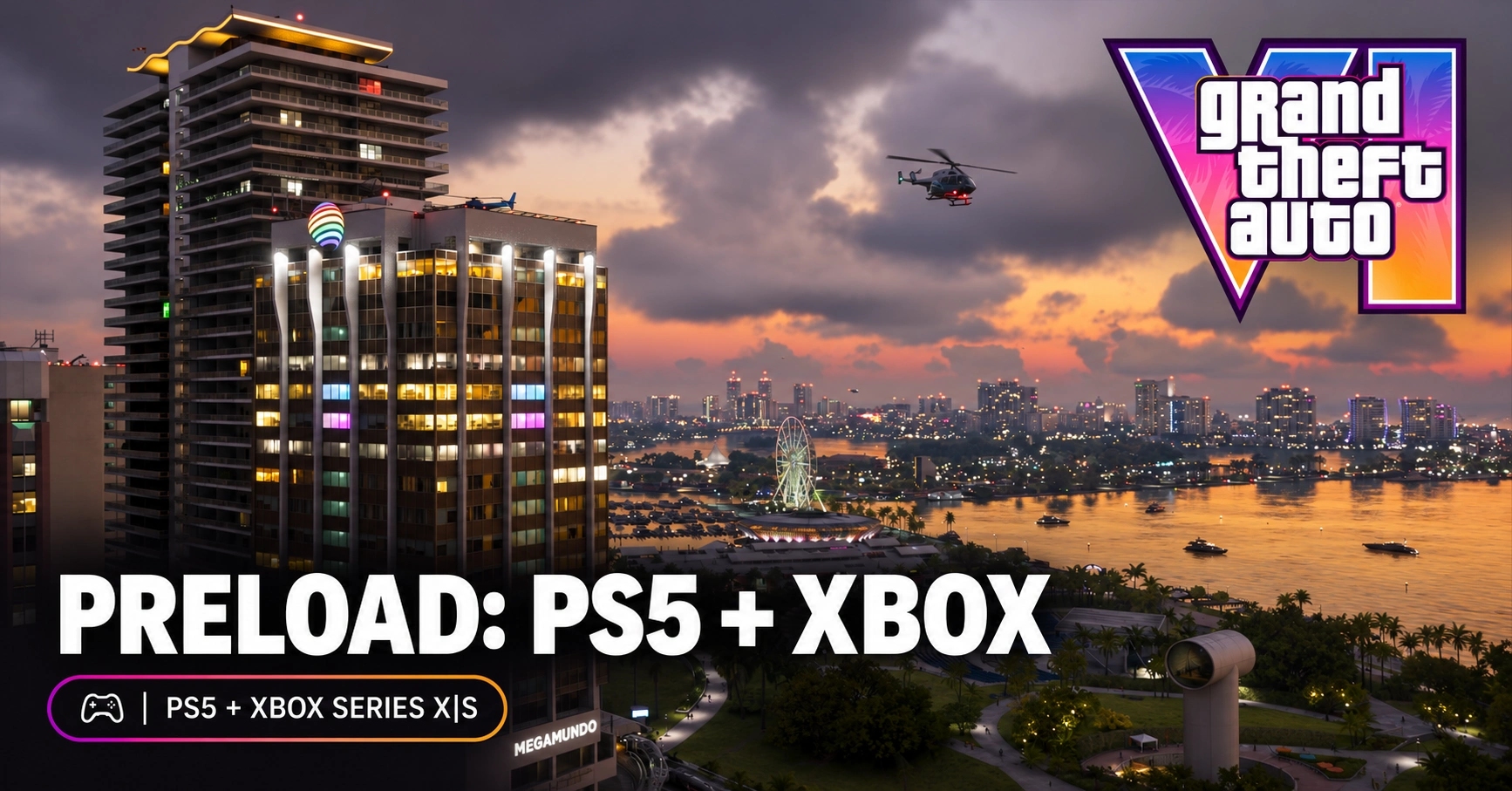
GTA 6 preload is the advance download, not permission to start playing early. Rockstar lists PS5 preload from local midnight on November 10 and Xbox Series X|S preload from 00:00 GMT that day. Check your license, console settings and storage before troubleshooting the download.
For eligible US accounts, King Gift offers PlayStation Gift Card US and Xbox Gift Card US. Check the account country and final platform-store total before buying credit. These products add funds; they are not GTA VI game codes. US wallet cards do not establish compatibility with UAE or other GCC accounts.
PS5 and Xbox have different download clocks
Rockstar’s preload FAQ identifies the platform-specific windows. For UAE readers, 00:00 GMT is 04:00 GST; that conversion describes the Xbox preload window, not a worldwide gameplay unlock time.
Rockstar says the preload may require up to 212 GB of available space, depending on the device. Check the actual console prompt, leave room for what it requests, and avoid treating that maximum as a fixed download size for every console.
On PS5, Rockstar directs players to enable auto-downloads and leave the console on or in Rest Mode. On Xbox, it specifies automatic updates and an on or Sleep-mode console. A fully shut-down or disconnected console may not do the background work you expect.
Before you pay
- Verify the intended account owns the game or has the correct order status. Wallet balance alone is not ownership.
- Check available storage and the console’s actual download prompt.
- Check the platform’s automatic-download or update settings and power mode.
- If the download fails, use the official platform troubleshooting linked from Rockstar’s FAQ; do not buy another voucher to fix an installation error.
Common mistake
| Mistake | Better check |
|---|---|
| Assuming a finished preload means the game is playable immediately | Separate download completion from the platform’s release unlock. |
FAQs
Does a wallet top-up start the preload?
No. Adding funds is separate from purchasing or licensing the game.
Is 212 GB the exact download for every player?
No. Rockstar describes up to that much available space depending on device.
Where should I troubleshoot a failed download?
Use the PS5 or Xbox support links in Rockstar’s preload FAQ, starting with license, connection and storage checks.
For the broader payment checklist, read King Gift’s GTA 6 gift-card guide.