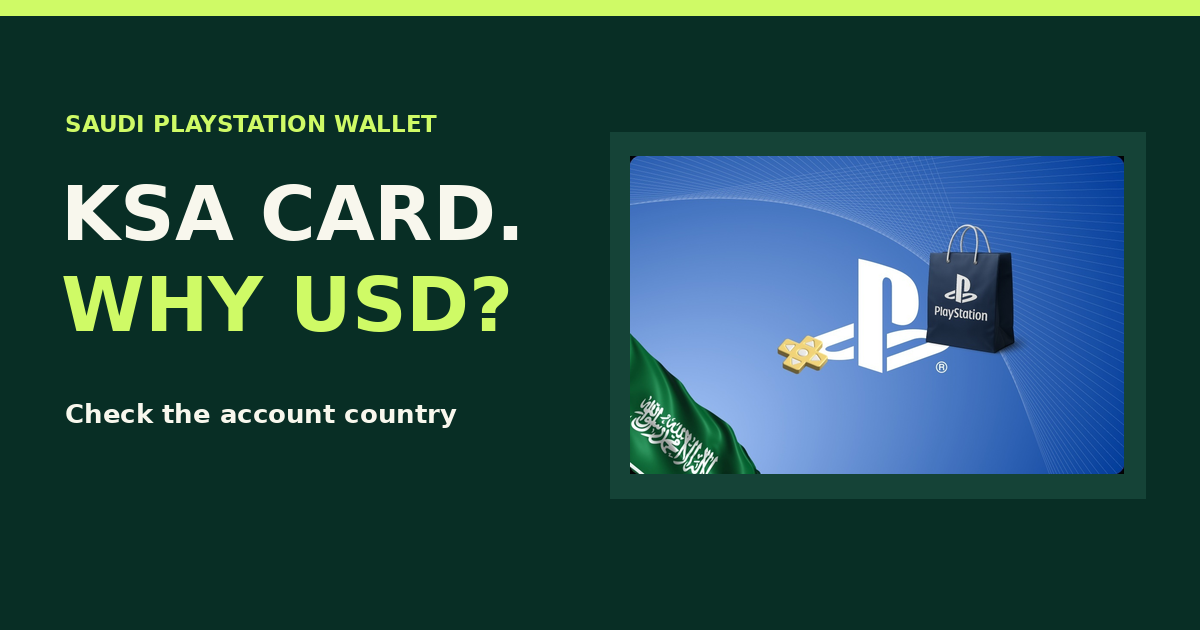
A PlayStation Gift Card KSA can show a dollar amount and still be a Saudi voucher. PlayStation matches vouchers to the country or region of the account. If your account is registered in Saudi Arabia, look for a Saudi voucher even when a US voucher shows the same dollar amount.
The PlayStation Gift Card KSA listing displays dollar amounts and identifies the product as Saudi Arabia. Before buying, check the country on the account that will redeem the voucher and the amount you need for the intended purchase.
Read the three checkout labels
| What you see | What it tells you |
|---|---|
| KSA or Saudi Arabia on the voucher | The market the voucher is issued for. |
| The selected dollar denomination | The face amount of that voucher, as shown on the listing. |
| The payable amount | What you pay the retailer. Read the final checkout summary separately from the wallet denomination. |
Two listings can both say “$20” and be issued for different countries. The dollar sign alone gives you no reason to expect a US voucher to work on a Saudi account. The same check applies if you are buying from elsewhere in the GCC for someone with a Saudi account.
Check the account and purchase before topping up
- Confirm the recipient’s account country in PlayStation account settings. If more than one account is signed in on a console, check the specific profile that will redeem the code.
- Open the item on the Saudi PlayStation Store. Check that the intended edition is offered and review the total while signed in. Don’t size the top-up using the price from a US storefront.
- Compare the amount needed with the wallet balance already on that account. Choose a Saudi denomination that fits the purchase. For a subscription, review the payment method and renewal conditions PlayStation shows before confirming.
Redeem and verify the top-up
Sign in to the intended account, open PlayStation Store and choose Redeem Code. Enter the 12-digit voucher, check the details and confirm. Verify that the wallet balance updated before buying another voucher. See PlayStation’s official redemption instructions for device-specific steps.
If you see a region error, compare the account country with the voucher country. If the labels match and the error persists, keep the order reference and exact error, and contact support privately. Do not post your code or test it on another account. For the difference between adding wallet funds and unlocking a specific title, read PlayStation gift card vs game code.
Common mistakes
| Mistake | Better check |
|---|---|
| Picking the US voucher because both show USD | Match the voucher country to the account. |
| Comparing the retailer’s payable amount with a game price | Compare the voucher face amount plus existing wallet funds with the intended Store purchase. |
| Redeeming on whichever profile is signed in | Confirm the receiving profile first. PlayStation does not transfer redeemed funds between accounts. |
FAQs
Does a KSA card work on a UAE PlayStation account?
No. Saudi Arabia and the UAE are different account markets for voucher matching.
Does buying a Saudi voucher change my account country?
No. Buy a voucher for the account country you already have.
Does the top-up buy the game automatically?
No. A wallet voucher adds funds. Choose the game or other eligible item separately in the Store.