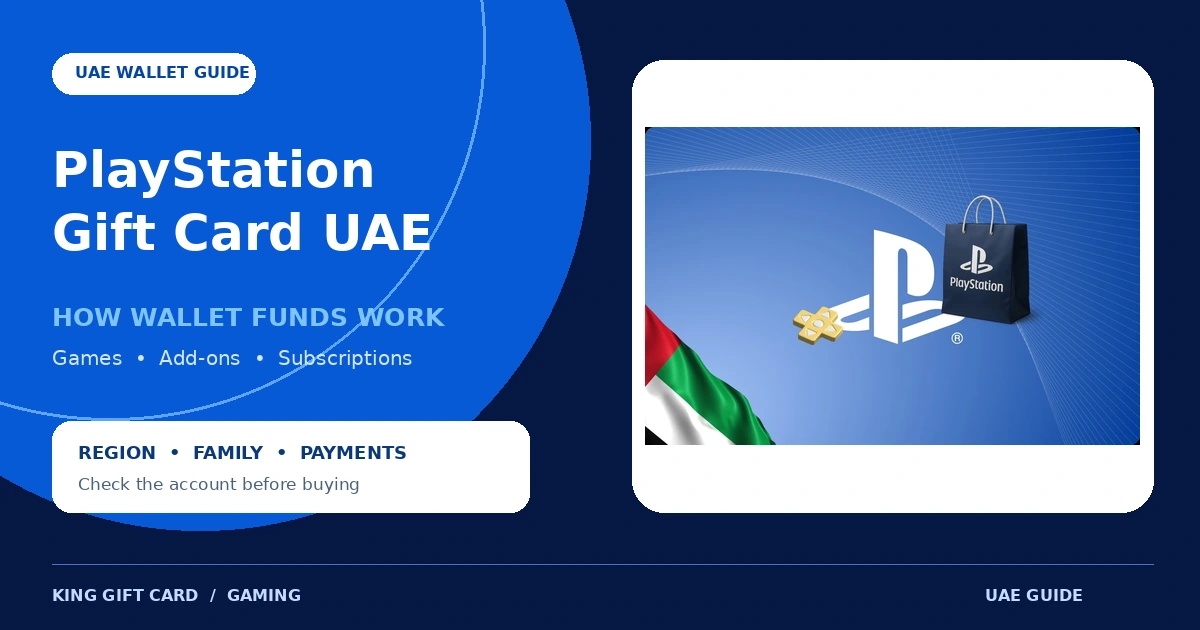
A PlayStation Gift Card UAE adds prepaid funds to the wallet of a compatible adult PlayStation account. The balance can then pay for eligible content and services on PlayStation Store, but there are important rules around account region, child accounts, subscriptions and split payments.
This guide explains those wallet rules before you buy. For current availability, selectable amounts and checkout details, review the live PlayStation Gift Card UAE product page.
What does a PlayStation Gift Card UAE do?
The card provides a voucher code that adds funds to a PlayStation Store wallet. It is not a physical bank card and it does not add cash to an ordinary payment account. Once successfully redeemed, the wallet balance is associated with the PlayStation account that used the code.
The UAE version is intended for a PlayStation account registered to the United Arab Emirates. Sony says a voucher code and the account country or region must match. It also says an account’s country or region cannot be changed after the account has been created.
Living in another country does not automatically change an existing account’s region. Check the recipient’s account information instead of relying only on their current location, console location or device language.
What can you buy with PlayStation wallet funds?
PlayStation says wallet funds can purchase eligible content and services from PlayStation Store. Depending on current store availability and the account, that can include:
- Digital games and eligible pre-orders
- Game add-ons and downloadable content
- In-game currency, consumables and skins
- Season passes and other eligible digital content
- Eligible subscriptions or subscription content
Always check the product page inside PlayStation Store before adding funds for one specific purchase. Availability, age requirements and subscription conditions can differ.
How PlayStation wallet funds work
| Wallet rule | What it means |
|---|---|
| Wallet balance is used first | When making an eligible purchase, PlayStation applies available wallet funds before charging another supported payment method. |
| A shortfall may be paid separately | If the wallet does not cover the full purchase, the remaining amount may be settled with another accepted payment method. |
| Subscriptions may require a payment method | Sony says a valid payment method may still be required when purchasing some subscriptions with wallet funds. |
| Wallet funds are not transferable | Voucher funds and content cannot be transferred between accounts, so the code must be redeemed on the correct account. |
| Added funds are non-refundable | Sony states that funds added to a PlayStation wallet cannot be refunded. |
You can check the balance online through Payment Management, on PS5 through the PlayStation Store menu, on PS4 through Wallet settings, or through Payment Methods in the PlayStation App.
Can a child account redeem a PlayStation Gift Card UAE?
A child account does not have its own wallet. Sony instructs users to redeem wallet top-up codes on the family manager’s adult account. The family manager can then set a monthly spending limit for the child.
The default monthly spending limit for a child account is zero, so adding money to the adult wallet does not automatically let the child spend it. Age ratings, parental controls and subscription restrictions can also affect access.
How to redeem a PlayStation Gift Card UAE
Redeem online
- Sign in to the UAE PlayStation account that should receive the funds.
- Open PlayStation Store and select the profile menu.
- Select Redeem Code.
- Carefully enter the 12-digit voucher code.
- Review the account and value, then confirm redemption.
Redeem on PS5
- Open PlayStation Store.
- Open the menu and select Redeem Code.
- Enter the 12-digit code and confirm.
PlayStation also provides redemption through PS4 and the PlayStation App. Follow Sony’s current voucher redemption instructions if the menu labels on your device differ.
Common mistakes to avoid
- Buying for the wrong account region: a UAE code requires a compatible UAE account; console location alone is not enough.
- Redeeming on the wrong account: codes are single-use, and funds cannot be moved to another account.
- Trying to redeem on a child account: wallet top-ups belong on the family manager’s account.
- Assuming the wallet removes every payment requirement: some subscriptions may still require another valid payment method.
- Sharing the code: keep the full voucher code private until it is redeemed by the intended account holder.
If the recipient uses a US account, do not buy the UAE version. Read our PlayStation US account-region guide and review the correct live product instead.
Frequently asked questions
Can I use a PlayStation Gift Card UAE on a US account?
No. PlayStation says the voucher and account country or region must match. Choose a card made for the account’s registered region.
Can I change my PlayStation account to UAE?
Sony says the country or region cannot be changed after the account has been created. Check the existing account before purchasing a card.
Can I use wallet funds toward a purchase that costs more than my balance?
For eligible purchases, PlayStation says wallet funds are used first and the remainder can be paid with another accepted payment method.
Can a child use funds from a PlayStation gift card?
The code should be redeemed on the family manager’s account. The child can make eligible purchases from that wallet within the spending limit and parental controls set by the family manager.
Can the wallet balance be transferred or refunded?
Sony says wallet funds cannot be transferred between accounts, and funds added to a wallet cannot be refunded.
Check the account before choosing the card
A PlayStation Gift Card UAE can provide flexible Store credit for an eligible UAE account, but the region and account type matter. Confirm the recipient’s registered country, use an adult account for wallet redemption, and review any subscription payment requirements before ordering.
When ready, check the live PlayStation Gift Card UAE listing for availability and current checkout information. For general payment guidance, see our guide to buying gaming gift cards with crypto.