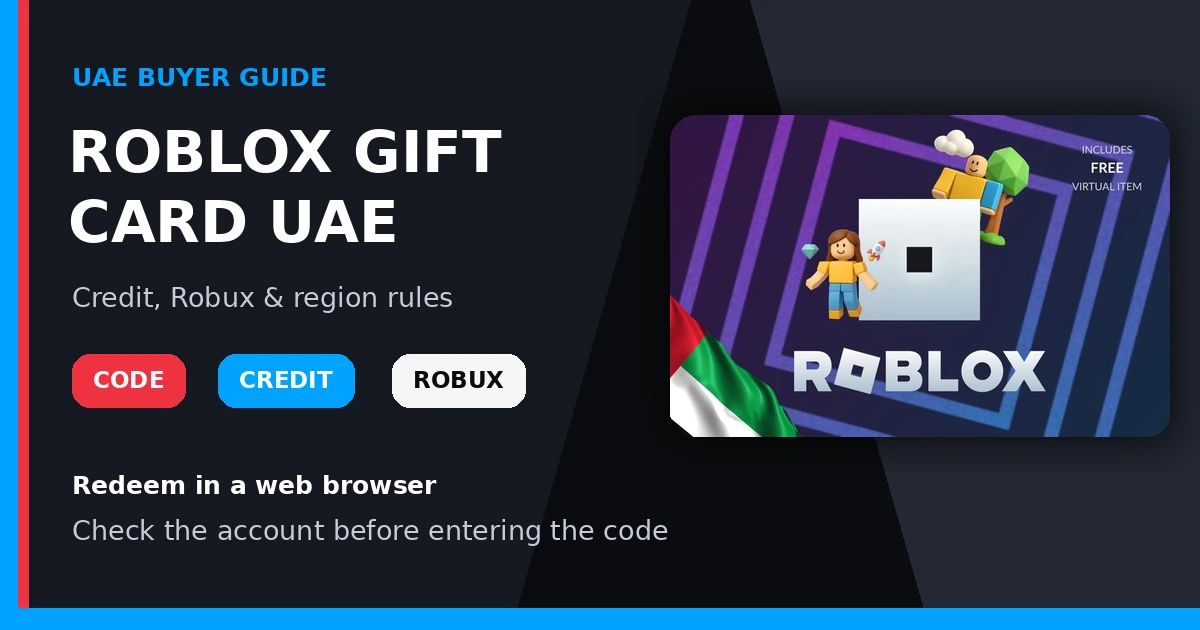
Roblox Gift Card UAE: Credit, Robux and Region Rules Explained
A Roblox Gift Card UAE can be a practical way to give a Roblox player spending value without guessing which avatar item, experience pass or Robux package they want. However, a gift-card code, Roblox Credit and Robux are not the same thing. Understanding the difference helps you redeem the card correctly and avoid looking for the balance in the wrong place.
This guide explains how Roblox gift-card value moves from a code to account credit and then to Robux, where redemption works, and what UAE buyers should check before choosing a card.
What is a Roblox Gift Card UAE?
A Roblox gift card carries a prepaid code that is redeemed to a Roblox account. King Gift Card’s Roblox Gift Card UAE product page lists the product in AED and identifies it as a UAE product. The listing offers several selectable AED amounts; availability and the payable amount can change, so check the live page immediately before ordering.
The card is not the same as a bank card, and the code itself is not Robux until it has been redeemed and, when applicable, the resulting Roblox Credit has been used to purchase Robux.
Roblox Credit vs Robux: what is the difference?
| Item | What it means | Where to check it |
|---|---|---|
| Gift-card code | The private code supplied with the card. It must be redeemed to the intended Roblox account. | Enter it at Roblox.com/redeem. |
| Roblox Credit | Account value created after a standard gift card is redeemed. It can be used for eligible Roblox purchases. | The redemption page or Billing Settings in a web browser. |
| Robux | Roblox’s virtual currency, used for eligible avatar items and purchases within experiences. | Your Robux balance after converting or purchasing with eligible credit. |
Roblox notes that most gift cards add Roblox Credit, while certain specially marked cards can redeem directly for Robux. Always read the card description and the confirmation shown during redemption instead of assuming every code behaves identically.
How to redeem a Roblox Gift Card UAE
- Open a web browser and visit Roblox.com/redeem.
- Sign in to the Roblox account that should receive the value.
- Enter the gift-card code carefully.
- Select Redeem.
- Read the confirmation to see whether credit, Robux or another eligible item was added.
Roblox’s official redemption guide says normal redemption is completed in a web browser. The standard Roblox mobile app and console apps do not provide the regular redemption path. Roblox currently documents an in-app exception for eligible Samsung Galaxy users.
Before entering the code, double-check the username shown on the page. Roblox Credit cannot be transferred between accounts after redemption, so a code entered on the wrong account can create a difficult problem.
How to use Roblox Credit to get Robux
If the redeemed value appears as Roblox Credit, Roblox says the balance is used through a web browser rather than inside its standard apps:
- Sign in to the account that redeemed the card.
- Return to the redemption page and check the available credit shown under the redemption area.
- Select Get Robux, or open the Robux purchase page to review available packages.
- Choose an eligible option and review the amount before confirming.
- If a small credit balance remains, look for Roblox’s available option to convert the remainder to Robux.
Package sizes and Robux pricing can change. The value of the card should not be described as a fixed quantity of Robux unless that quantity is explicitly printed on the card or displayed by Roblox at the time of purchase.
Does the UAE region matter?
King Gift Card labels this listing as Roblox Gift Card UAE, displays AED values and tells buyers that the product is available in the United Arab Emirates. That makes it the most natural listing to review for a UAE-denominated purchase or a gift intended for someone in the UAE.
Roblox’s current help page separately says that Roblox gift-card codes can be redeemed worldwide and that the value is converted to the account’s local currency. This is different from platforms where a code is strictly locked to the issuing storefront. Because card types and platform rules can change, check both the live King Gift listing and Roblox’s current redemption message before relying on cross-country use.
For buyers outside the UAE, it is still sensible to select the King Gift product matching the recipient’s country when one is available. This makes the denomination clearer and reduces uncertainty when sending a gift.
Six checks before buying a Roblox Gift Card UAE
- Confirm the recipient’s username. The code should be redeemed while signed in to the intended account.
- Choose the correct product listing. Verify that the page says Roblox Gift Card UAE and shows the AED amount you intend to purchase.
- Check live stock. Select the amount and confirm that the page shows it as available with an enabled purchase button.
- Review the payable amount. Use the current figure shown on the product page or during checkout, not an amount copied from an older article or screenshot.
- Plan to redeem in a browser. A phone is fine, but open Roblox in a web browser unless Roblox documents an eligible in-app method for the device.
- Keep the code private. Treat an unused gift-card code like cash. Do not post it publicly or send it to anyone claiming they must “verify” it.
You can review King Gift Card’s earlier Roblox UAE gift-card overview for a broader introduction. This newer guide focuses specifically on the difference between the code, Roblox Credit and Robux, using Roblox’s current help instructions.
What should you do if the code does not redeem?
First, confirm that you are signed in to the intended account and re-enter the code carefully. Roblox highlights several easily confused characters, including zero and the letter O, one and capital I, and eight and B. Do not keep guessing if the error persists.
If the code is reported as already redeemed, review the balance on the redemption page and the account’s Billing Settings. If the value is not present, keep the order details and contact the seller about the order. For a Roblox account or redemption error, use Roblox Support and provide only the information requested through its official support process.
Frequently asked questions
Does a Roblox Gift Card UAE add Robux immediately?
Not always. A standard Roblox gift card generally adds Roblox Credit first. You can then use eligible credit to purchase or convert to Robux. A specially marked Robux card may work differently, so read the redemption confirmation.
Can I redeem the code in the Roblox mobile app?
Roblox says the regular mobile app and console apps do not support the standard redemption path. Use a web browser at Roblox.com/redeem. Roblox currently documents an exception for eligible Samsung Galaxy users.
Can I send the code to another person?
You can give an unused code to the intended recipient, but send it privately. The recipient should redeem it while signed in to their own Roblox account. Do not redeem it first, because Roblox Credit is not transferable between accounts.
Can the UAE card be redeemed outside the UAE?
Roblox’s current official help page says its codes can be redeemed worldwide and converted to the account’s local currency. King Gift Card identifies this specific listing as a UAE product in AED, so check the live listing and Roblox’s current terms before purchasing for someone in another country.
Where can I see the remaining Roblox Credit?
Roblox says the balance can be viewed on the gift-card redemption page or beside Roblox Credit in Billing Settings when you are signed in through a web browser.
Choose the account first, then choose the card
A Roblox Gift Card UAE is easiest to use when the buyer and recipient understand the full path: choose the correct listing, redeem the private code on the intended account, check the resulting credit and then use that value for an eligible Roblox purchase. Review the live Roblox Gift Card UAE page for current stock, selectable amounts and checkout details before placing an order.