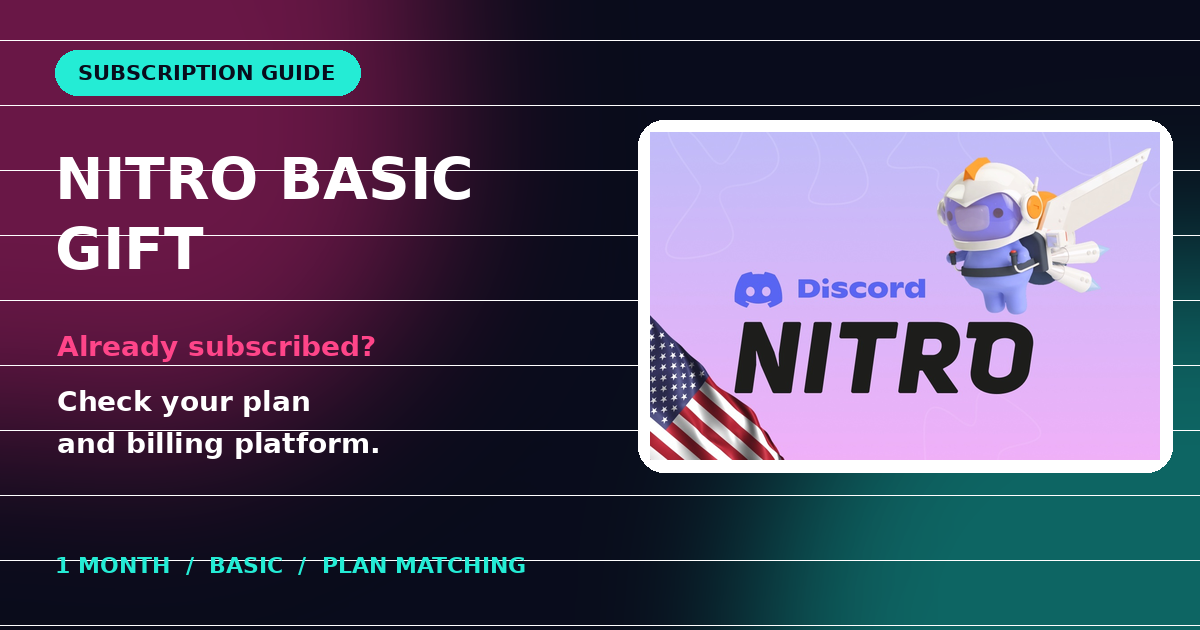
A Nitro Basic gift does not necessarily activate immediately when the recipient already has a subscription. Discord may store the gift as subscription credit. The plan type, duration and billing platform determine how that credit can be used.
Before buying King Gift’s Discord Nitro Basic 1M Gift Card USD, ask the recipient whether they use Nitro Basic or Nitro, whether they pay monthly or yearly, and whether billing is managed through Discord, Apple or Google Play.
Table of contents
- Match the subscription
- Check mobile billing
- Follow the product’s redemption route
- Buying checklist
- Common mistakes
- FAQs
Does a Nitro Basic gift extend an existing subscription?
Discord says a matching gift credit can be stored for use at renewal on an active subscription. A gift that differs from the existing subscription can remain as account credit instead of changing the current plan immediately.
For this one-month Basic product, confirm the recipient wants Nitro Basic Monthly. Do not treat it as a full Nitro upgrade or assume it pays part of a yearly plan. Discord’s Subscription Credit FAQ explains matching plans and renewal handling.
Check Apple and Google Play billing first
Discord says gift subscription credit is used with desktop/browser subscriptions and cannot pay for subscriptions billed through Google Play or the iOS App Store. Owning a compatible phone does not establish that the existing billing arrangement will accept a gift.
Ask the recipient to inspect User Settings and Subscriptions on desktop or browser before ordering. If they need to change billing arrangements, they should review their current renewal date and Discord’s instructions first, rather than cancelling or purchasing another plan by guesswork.
Follow this product’s two-stage redemption route
King Gift’s listing instructs buyers to visit posa.mintroute.com, select Discord Service, select the purchased subscription package, and enter the supplied code and email address. It says an activation link is then sent by email.
This means the supplied retailer code and the resulting activation link have different roles. Follow the order’s instructions, select the exact purchased package, and check the email address before submission.
When opening the resulting gift link, verify the signed-in Discord account before accepting. Discord’s gift-claiming guide warns that a gift claimed on the wrong account cannot be transferred or replaced by Discord.
Five checks before buying
- Product: confirm the listing says Nitro Basic, one month.
- Current plan: ask whether the recipient uses Basic or full Nitro.
- Billing: check whether the subscription is managed through Discord or a mobile store.
- Account: confirm which Discord account should claim the gift.
- Order: review the current payable total and the payment instructions shown at checkout.
The listing describes availability in all countries, but that is not a promise that every account or billing arrangement qualifies. GCC and worldwide buyers should check Discord’s current service terms and their account’s options. Do not buy solely on the strength of a country label.
Common mistakes
| Mistake | What to check |
|---|---|
| Expecting Basic to upgrade full Nitro. | Match the gift’s plan type. |
| Expecting a month of credit to apply to any duration. | Check monthly versus yearly billing. |
| Assuming mobile-store billing consumes the credit. | Review Discord’s desktop/browser restriction. |
| Entering the retailer code wherever a Discord code is requested. | Use the redemption route supplied with this product. |
| Claiming while signed into another account. | Verify the recipient account before acceptance. |
Frequently asked questions
Is Nitro Basic the same as Nitro?
No. Treat them as different subscription types and select the plan the recipient actually wants.
Why did my gift become credit?
An existing subscription or a different current plan can cause the gift to be stored as credit. Check the Subscriptions screen and the official FAQ before purchasing again.
Can the gift pay an Apple or Google Play subscription?
Discord says subscription credit cannot be used for subscriptions managed by those mobile stores.
Will I need payment details?
Discord’s activation process may request payment details. Review the credit-applied message and renewal terms before confirming.
Who should I contact if the activation email is missing?
Check the supplied email address and spam folder, then contact the seller about the order. For Discord account-credit questions, use Discord’s official support.
Confirm the recipient’s plan before ordering
A useful gift starts with a matching plan and a clear redemption route. Review the Nitro Basic one-month product and use King Gift’s contact page if the order instructions need clarification. Keep codes and activation links private.